A watch that corrects its own time can be unusually satisfying: an ordinary glance at the dial gives you time that has recently been checked against an outside source. The important buying question is how it gets that correction. Radio reception and Bluetooth solve the problem in different ways.
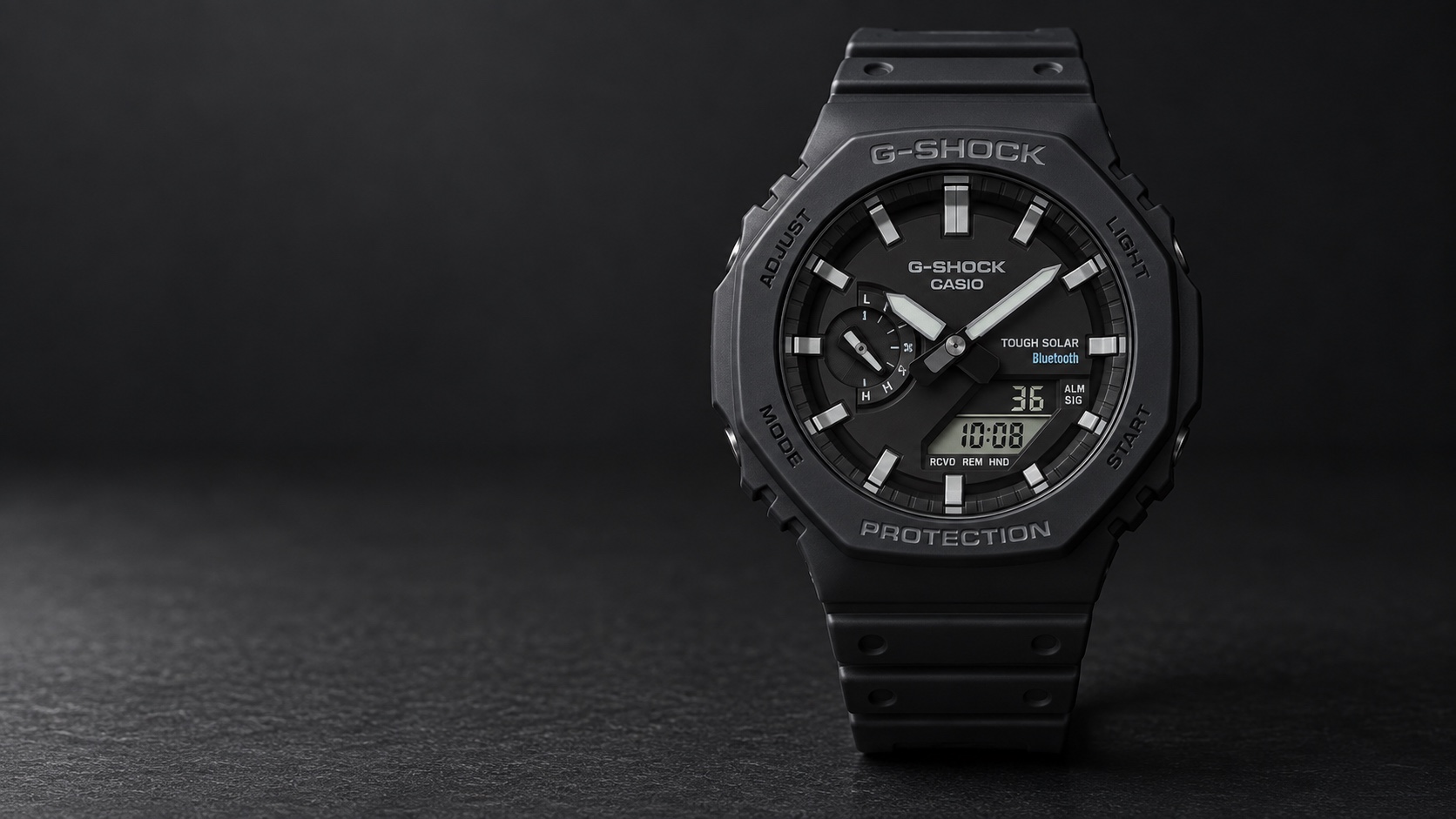
The G-Shock GA-B2100 uses a phone connection. The GW-M5610U uses standard time radio reception. The Oceanus T200 supports both. These are distinct arrangements, even though all three are light-powered Casio watches. Solar charging supplies energy; it does not identify the source of the time setting.
Radio reception comes directly to the watch
A radio-controlled watch contains a receiver for compatible standard time signals. Casio’s Multiband 6 designation refers to support for six transmitting stations. Where reception is available and conditions allow, the watch can use a received signal to correct its time.
The appeal is independence from a phone for that correction. There is no app pairing involved in receiving the broadcast. The limitation is reception: your location, the building around you and the position of the watch can affect whether a signal is successfully received. A radio-capable watch is not a guarantee of a successful correction in every place you visit.
Bluetooth uses a connection to your phone
Bluetooth-equipped models can connect to a compatible phone and app to obtain time correction and other supported settings. The phone becomes part of the arrangement. That can be convenient when travelling, particularly where the radio system supported by the watch is not available.
It also means compatibility and setup matter. For the GA-B2100, Casio specifies the CASIO WATCHES app. Check the current requirements for your phone rather than assuming that every device will support every watch function indefinitely. Bluetooth is a communication method, not a promise that a watch behaves like a smartwatch with messages and a touchscreen.
How the idea developed
Casio’s history of the G-Shock square describes a progression from the original shock-resistant concept to solar power, radio correction and later smartphone communication. Its historical booklet marks Bluetooth as a 2012 development in the range’s usability. The purpose was to make time correction and settings easier while retaining the character of a dedicated watch.
That progression did not produce one universal feature list. Different current models combine the technologies differently. The GA-B2100’s octagonal analogue-digital design and the GW-M5610U’s square digital display are not simply two cases around identical electronics. Checking the exact reference prevents a familiar G-Shock name from hiding a meaningful difference.
Three examples at a glance
| Model | Radio correction | Bluetooth correction | Power |
|---|---|---|---|
| G-Shock GW-M5610U-1ER | Multiband 6 | No | Tough Solar |
| G-Shock GA-B2100-1AER | No | CASIO WATCHES connection | Tough Solar |
| Oceanus OCW-T200S-1AJF | Multiband 6 | Supported phone connection | Solar |
The GA-B2100 has a published case size of 48.5 by 45.4 by 11.9 mm and weighs 52 g. The Oceanus measures 49.5 by 41.4 by 10.7 mm and weighs 133 g. Those figures make the wider choice tangible: similar time-setting conveniences can sit inside a resin analogue-digital watch or a steel bracelet watch with a conventional three-hand dial.
What happens when a correction is missed?
The watch continues using its own timekeeping system. A failed reception or unavailable phone connection does not make a quartz movement lose the ability to run. The relevant specification is its stated accuracy when it is not being corrected.
Casio lists plus or minus 15 seconds per month without correction for both the GA-B2100 and this Oceanus. That is a different claim from the time shown immediately after a successful sync. When comparing watches, separate the movement’s independent rate from the frequency and success of outside corrections.
Also check the home-city and daylight-saving settings described in the instructions. Receiving a precise signal does not remove the need for the watch to know which local time you want it to display. A correct clock source and a correct time-zone setting do different jobs.
Which arrangement should you choose?
Choose radio correction when you want a watch that can update independently of your phone and you expect to use it within suitable reception coverage. Choose Bluetooth when you are comfortable using the supported app and want phone-assisted setting. Choose a model with both when those alternatives are useful enough to justify the specific watch you prefer.
The best choice is not necessarily the longest feature list. A square digital G-Shock, an octagonal analogue-digital G-Shock and a restrained Oceanus serve different tastes. Once the correction method suits your circumstances, the display, case and everyday functions should decide the rest.
Based on manufacturer information. Specifications and sources checked on 8 September 2026.
Sources: Casio UK GA-B2100-1AER specifications; Casio GA-B2100 launch history; Casio module 5689 operating guide; Casio module 5689 charging guidance; Casio Japan OCW-T200S-1AJF specifications; Casio T200 design and history; Casio Oceanus module 5596 English manual; Casio UK: GW-M5610U-1ER specifications; Casio module 3495: charging; Casio module 3495: reception location; Casio on Bluetooth, radio correction and solar power; Casio G-Shock square technology history.
Image: AI-generated illustration. Fine details may differ from the watch.